The Three Official API Formats: How Chat Completions, Responses and Messages Differ
Request shape, system prompts, multi-turn context, tool calls, streaming events and usage fields — a side-by-side comparison of OpenAI's two APIs and Anthropic Messages, and which to pick for a new project.
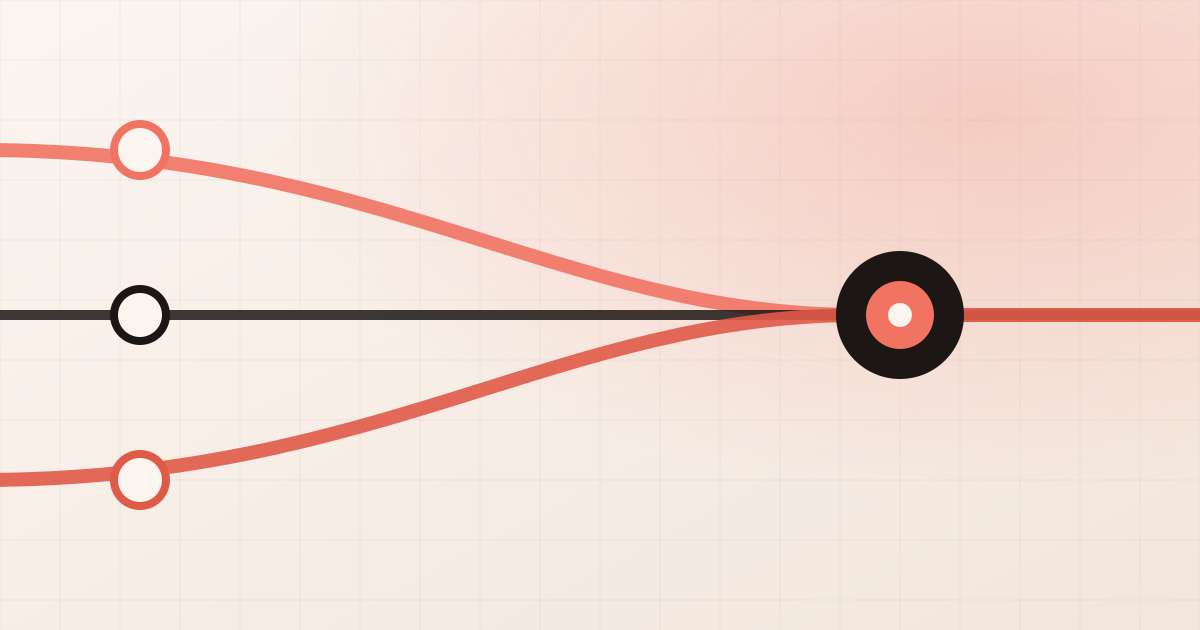
Every request you send to a large language model follows an API format. Three dominate today: OpenAI's Chat Completions and Responses, and Anthropic's Messages. All three can hold a conversation, but their request shapes, tool calls and streaming events differ. Knowing the differences saves time when you migrate code, debug issues or pick an SDK.
The differences at a glance
| Aspect | Chat Completions | Responses | Messages |
|---|---|---|---|
| Endpoint | POST /v1/chat/completions | POST /v1/responses | POST /v1/messages |
| Input field | messages array | input (string or item array) | messages array |
| System prompt | system / developer role message | top-level instructions | top-level system |
| Output limit | max_completion_tokens | max_output_tokens | max_tokens (required) |
| Output shape | choices[].message | array of output items | array of content blocks |
| Tool calls | tool_calls + tool role message | function_call / function_call_output items | tool_use / tool_result blocks |
| Streaming | data-only SSE ending in [DONE] | named events ending in a terminal event | named events ending in message_stop |
| Usage fields | prompt_tokens / completion_tokens | input_tokens / output_tokens | input_tokens / output_tokens + cache fields |
One request, three ways
{
  "model": "gpt-6.1-sol",
  "messages": [
    { "role": "developer", "content": "You are a concise technical advisor." },
    { "role": "user", "content": "Explain idempotency." }
  ],
  "max_completion_tokens": 800
}
All three say the same thing; they differ in where the system prompt goes, what the input is called and what the
output limit is called. max_tokens is required in Messages — leaving it out returns 400, one of the most common
mistakes when moving over from OpenAI.
Output shape: message, items and content blocks
- Chat Completions puts the output in
choices[0].message; text and tool calls hang off that assistant message. - Responses returns an array of
outputitems: reasoning, text messages and function calls are separate items. The SDKs offer anoutput_textconvenience field that joins all the text. - Messages returns an array of
contentblocks:text,thinking,tool_useand so on, in order.
The difference matters most with reasoning models: Responses and Messages can return "thinking" as its own part so you can pass it back unchanged in multi-turn calls; Chat Completions has no equivalent structure.
The tool-call round trip
Tool calling is where the formats differ most. Take "the model asks to call get_weather, you run it and return the
result":
| Step | Chat Completions | Responses | Messages |
|---|---|---|---|
| Model requests a call | tool_calls[] on the assistant message | an output item with type: "function_call" | a content block with type: "tool_use" |
| You return the result | a role: "tool" message with tool_call_id | an input item with type: "function_call_output" and call_id | a type: "tool_result" block in a user message with tool_use_id |
| Tool definition | tools[].function.parameters | tools[].parameters | tools[].input_schema |
When you port an agent framework, this message-assembly layer is usually all that changes; the business logic stays.
Stateful versus stateless
Chat Completions and Messages are stateless: every request carries the full conversation.
Responses is designed to support server-side conversation storage, continued with previous_response_id, so you don't
re-upload history. But "stateful" also means data stays on a server. UnioAPI does not store Responses — send the full
input each time; continuing with previous_response_id returns 400 previous_response_not_found. The upside is that
nothing is persisted, and the repeated history can be billed at the cache price through
prompt caching.
Streaming events
- Chat Completions: each chunk carries only the delta; the last line is
data: [DONE]. For usage, addstream_options.include_usage; it arrives in the final chunk. - Responses: named events such as
response.output_text.deltaandresponse.completed, no[DONE]; usage is in the terminal event. - Messages: named events —
message_start,content_block_delta,message_delta,message_stop.
Whatever the format, no end marker means no success. How to handle dropped streams is covered in Error handling for LLM APIs in production.
Which one for a new project
- New OpenAI projects: Responses. New model capabilities (built-in tools, reasoning items, 12-hour caching) arrive
there first or only, and models like
gpt-5.5-proare Responses-only. Why is explained in Why more new models are Responses-only. - Existing Chat Completions code: keep it. It is still widely supported, and plenty of open-source tools speak only this format.
- Claude models: Messages. Prompt caching, thinking, Fast and similar fields are most complete in the native format.
On UnioAPI: one key, both native formats
UnioAPI serves all three endpoints with official request and response shapes, so switching models doesn't mean switching SDKs:
| Client | Base URL |
|---|---|
| OpenAI SDK (Chat Completions / Responses) | https://api.unioapi.com/v1 |
| Anthropic SDK (Messages) | https://api.unioapi.com |
Which endpoint each model accepts is listed in endpoint_capabilities from GET /v1/models; the full
comparison is in Choose a Protocol.